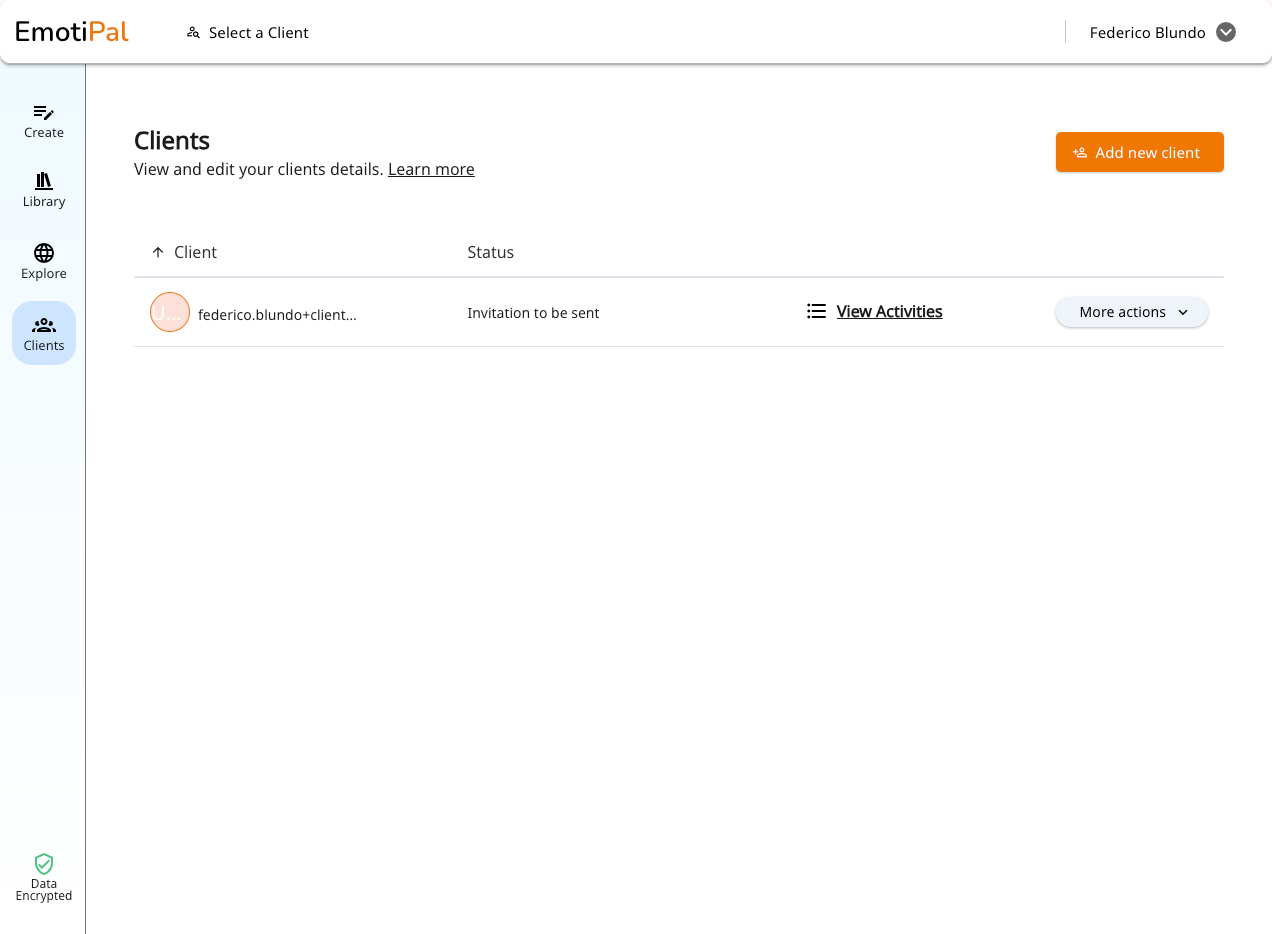
🤝 MANAGE YOUR CLIENTS
To send activities to clients, you'll need to add their email address. This allows them to receive an invitation to access the platform and complete the activities you assign.
How to add a new client to your platform:
1) Go to https://app.emotipal.com/clients
2) Click on "Add new Client"
3) Only the email address is required, but you can also add additional details like an ID or nickname
4) Click "Save" to add the client to your list.
5) You can choose to send the invitation email immediately or at a later time.
6) Once added, the client appears in your list, and you can begin assigning activities right away.
Bonus: do you have a large list of clients to upload? Please reach us out at support@emotipal.com. We can help with you with that.